

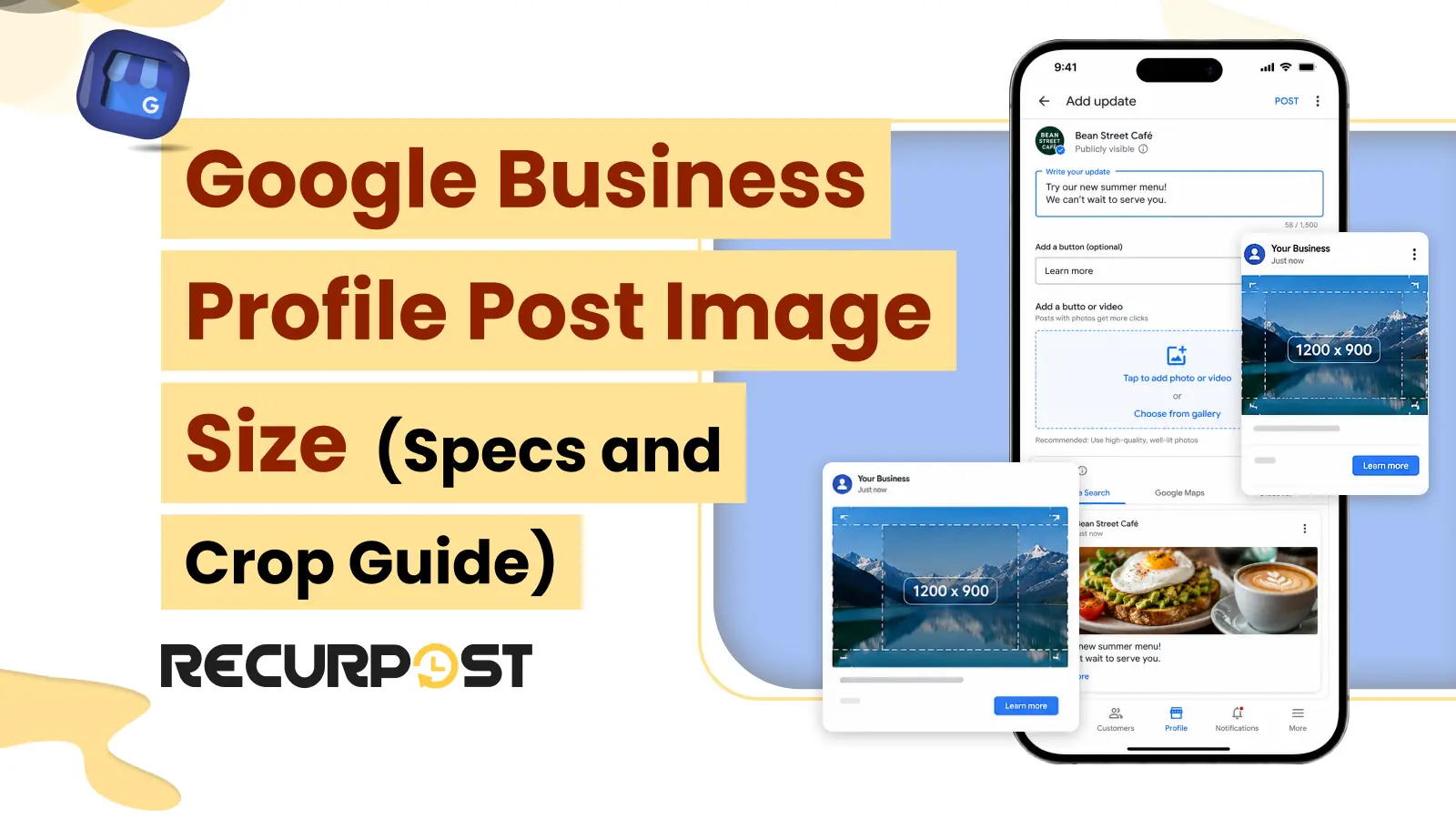
Google Business Profile posts work best when images meet Google’s recommended dimensions and display correctly across Search and Maps. Using the right image size helps businesses maintain a professional appearance while reducing cropping and uploading issues.
The recommended Google Business Profile post image size is 1200 × 900 pixels. This specification works for most Google Business Profile posts. However, meeting the recommended dimensions is only one part of the publishing process. It alone does not guarantee successful publishing. Google Business Profile may still crop or reject images based on additional platform requirements.
The sections in this guide explain how to meet Google Business Profile image requirements and avoid common publishing issues. Therefore, the guide covers –
- The current Google Business Profile image requirements
- The Search and Maps safe zone
- The reasons an image gets cropped or rejected
- How to size every client post efficiently with RecurPost’s social media scheduler
The Quick answer: Google Business Profile post image size

A Google Business Profile post image should be 1200 x 900 pixels with a 4:3 aspect ratio. Upload the image as a JPG or PNG file between 10 KB and 5 MB. Google accepts images with a minimum of 250 x 250 pixels. However, images below 720 x 720 pixels often appear blurry after Google scales them. Keep logos, text, and faces within the center area because Search and Maps may crop the outer edges.
Notably, a Google Business Profile post image must meet the four key specifications-
- Recommended size: 1200 x 900 px (4:3)
- Minimum size: 250 x 250 px (720 x 720 px is the safer minimum)
- File type: JPG or PNG
- File size: 10 KB to 5 MB
These specifications apply to What’s New, Offer, and Event posts. The rest of this guide explains image cropping, common rejection reasons, and how to meet the requirements across multiple client listings at once.
Current Google Business Profile image specifications

The table below shows the current 2026 Google Business Profile image specifications. It replaces the mixed specifications found in older guides. This is primarily because many still use the Google My Business name and list post types that Google has retired.
| Asset | Recommended | Minimum | Maximum | File size | Format | Ratio |
|---|---|---|---|---|---|---|
| What’s New / Update post | 1200 x 900 px | 250 x 250 px | 5200 x 5300 px | 10 KB – 5 MB | JPG / PNG | 4:3 |
| Offer post | 1200 x 900 px | 250 x 250 px | 5200 x 5300 px | 10 KB – 5 MB | JPG / PNG | 4:3 |
| Event post | 1200 x 900 px | 250 x 250 px | 5200 x 5300 px | 10 KB – 5 MB | JPG / PNG | 4:3 |
| Logo | 720 x 720 px | 250 x 250 px | 5200 x 5300 px | 10 KB – 5 MB | JPG / PNG | 1:1 |
| Cover photo | 1024 x 576 px | 480 x 270 px | 2120 x 1192 px | 10 KB – 5 MB | JPG / PNG | 16:9 |
| Additional photo | 720 x 720 px | 250 x 250 px | 5200 x 5300 px | 10 KB – 5 MB | JPG / PNG | 1:1 / 4:3 |
These specifications reflect current 2026 Google Business Profile guidance and have been cross-checked across multiple sources. However, always verify the latest Google Business Profile image requirements before publishing. This includes the maximum image size of 5,200 × 5,300 pixels and support for in-post videos.
Google removed COVID-19 posts and moved standalone Product posts into the Products section. Therefore, neither belongs in the current GBP post image guide. Today, the post formats that support images are What’s New (Update), Offer, and Event posts. RecurPost previews the crop for each format before the post goes live. As a result, the composer can identify an incorrectly sized Offer image before it appears on a client listing.
Why does Google crop your post image on Search and Maps?

Google crops Google Business Profile post images differently across Search and Maps. In the Business Profile feed, a post image usually appears in a 4:3 format. However, some Search and Maps placements may crop the image into a square or a wider thumbnail. As a result, the outer edges are often the first areas to disappear.
Every Google Business Profile post image needs a safe zone. Within a 1200 x 900 image, keep your logo, text, faces, and CTA graphics inside the central 900 x 900 pixels. Also, treat the top and bottom 10% to 20% of the image as a risk area because Google may crop those sections.
For example, an agency may run an Offer post across 30 dental locations. While the image may display correctly in desktop Search, discount text placed near the bottom edge can disappear in the Maps app. Centering the text helps preserve the message across all listings and placements.
File format and size limits

Google Business Profile accepts JPG and PNG images between 10 KB and 5 MB. Use PNG for images that contain text, logos, or sharp graphic elements because it preserves edge clarity. On the other hand, use JPG for photographs because it creates smaller files that load faster. However, Google compresses every uploaded image, so a file close to 5 MB rarely provides additional visual quality. In most cases, a JPG between 300 KB and 1 MB looks the same after compression.
PNG works well for promotional graphics with text overlays, while JPG is a better choice for photo-heavy storefront images. Using PNG for large photographs often increases the file size without providing a noticeable improvement in image quality.
Why Google Business Profile rejects or crops an image

Google rejects a Google Business Profile post image when it fails to meet the size, format, or quality requirements. In most cases, the issue comes from the source file rather than the listing itself. Refer to the checklist below to identify and fix common Google Business Profile image rejection issues.
- Below 250 x 250 px: Google rejects the image. Export the image at 1200 x 900 px.
- Wrong aspect ratio: Tall or panoramic images often get cropped heavily. Re-crop the image to a 4:3 ratio.
- File over 5 MB: The upload may fail. Compress the file before uploading.
- Blurry or low-quality image: Google may reject the image. Replace it with a higher-quality source.
- Promotional text covering most of the image: Google may flag the image. Keep text overlays limited.
- Unsupported file format, such as GIF, WebP, or TIFF: Convert the image to JPG or PNG.
RecurPost adds another layer of protection. RecurPost handles more than 850 documented social media publishing errors. This includes cases where Google Business Profile accepts a post and rejects it later. When a Google Business Profile post fails to publish, RecurPost sends a notification. This allows you to identify the issue, take corrective action promptly, and keep your Google Business Profile listings up to date.
Does Google Business Profile support video in posts?

Google Business Profile provides limited video support, and video does not function the same way as a post image. In most cases, videos appear in the Photos and Videos section of a business profile rather than within a What’s New post. Video files typically support a length of up to 30 seconds and a size of up to 75 MB.
For consistent scheduled updates, use a 1200 x 900 image as your primary post asset, while treating video as an additional profile-level asset. However, confirm the latest in-post video support through Google Business Profile Help before you rely on it for your posting workflow.
How to size and schedule GBP post images at scale with RecurPost
RecurPost crops every Google Business Profile image to the 4:3 post ratio within the composer. This results in you meeting the specifications without using a separate design tool. The built-in image editor includes platform-specific crop presets. The post preview shows how the image may appear across Search and Maps before you schedule it.
RecurPost provides a five-step workflow for agencies managing multiple Google Business Profile listings:
- Upload your image, or generate one with RecurPost’s AI image generator when no asset is available.
- Apply the Google Business Profile crop preset to maintain the 4:3 aspect ratio.
- Review the preview to confirm that your text and logo remain within the safe zone.
- Add a CTA button, such as Call Now, Learn More, Sign Up, Book, or Order Online.
- Schedule the post, or bulk schedule the same correctly sized image across multiple client locations with the Google Business Profile post scheduler.

If you only need to resize an image, RecurPost’s free image cropper tool crops images to the 4:3 Google Business Profile ratio directly in your browser. The image editor and preview follow the same workflow across supported social networks. As a result, you can prepare a Google Business Profile Offer image alongside matching Instagram and Facebook posts in the same session.
RecurPost is an ideal fit for agencies that need to create correctly sized images across multiple listings efficiently. However, it may not be the right fit for a single-location business owner who posts infrequently and does not face image-sizing challenges. For specifications across other social networks, see RecurPost’s social media image sizes guide.
Try RecurPost
RecurPost crops every Google Business Profile image to the 4:3 post ratio, previews how the image may appear across Search and Maps, and schedules it across one or multiple locations. The Agency plan supports 20 social accounts for $79/month, with no per-seat charges. See RecurPost’s plans and pricing page for available add-ons and their pricing, or start a 14-day free trial without a credit card.
Google Business Profile Post Image Size FAQs
1. What size should a Google Business Profile post image be?
A Google Business Profile post image should be 1200 x 900 pixels with a 4:3 aspect ratio. Upload the image as a JPG or PNG file between 10 KB and 5 MB. Google accepts images as small as 250 x 250 pixels. However, images that are 720 x 720 pixels or larger usually display more clearly across Search and Maps.
2. What is the maximum file size for a GBP post image?
A Google Business Profile post image can be up to 5 MB. However, Google compresses uploaded images, so files between 300 KB and 1 MB are usually sufficient.
3. Why was my Google Business Profile image rejected?
Google Business Profile may reject an image if it is smaller than 250 × 250 pixels, exceeds the 5 MB file size limit, uses an unsupported file format, or does not meet Google’s image quality standards. To avoid these issues, export the image at 1200 x 900 pixels and save it as a JPG or PNG file.
4. What aspect ratio does a Google post use?
A Google Business Profile post uses a 4:3 aspect ratio for its image. However, Search and Maps may crop the image closer to a square in some placements. Therefore, keep logos, text, faces, and other important elements within the central 900 x 900 area of a 1200 x 900 image.
5. What is the best GBP logo and cover photo size?
A Google Business Profile logo should be 720 x 720 pixels with a 1:1 aspect ratio, which is Google’s documented recommended resolution, while a cover photo should be 1024 x 576 pixels with a 16:9 aspect ratio. The 250 x 250 pixel minimum applies to logos as well as post images. Both image types support JPG and PNG formats between 10 KB and 5 MB.
6. Does Google Business Profile still support COVID-19 or Product posts?
Google no longer supports COVID-19 posts, and it has moved standalone Product posts into the Products section. As a result, the image-based post formats available today are What’s New (Update), Offer, and Event posts.
7. Can I schedule correctly sized GBP images for multiple locations at once?
Yes. RecurPost lets you schedule the same correctly sized image across multiple Google Business Profile locations in a single bulk action. The composer applies the 4:3 crop preset once, while the same specification-compliant image is published to every connected listing.