

Finding the exact size limits for a Bluesky post is harder than it should be. When you search for it on Google, you’ll land on a dozen pages that contradict each other.
Specifications often vary across sources, with some citing a 1 MB image limit and others a 2 MB limit. Video duration limits are equally inconsistent, ranging from 60 seconds to 3 minutes.
Bluesky has changed these limits more than once since launch. The video cap alone went from 50MB and 60 seconds to 100MB and three minutes. Therefore, many older guides are simply incorrect from today’s context.
For a social media agency, that gap costs real time and credibility. This is because you’re posting on behalf of clients, often scheduling weeks ahead across a dozen accounts.
As a result, when a caption gets cut off, an image is rejected, or a video fails to upload, it’s the client’s feed that looks off, not yours. Testing content live to determine what works is not a workflow suitable for managing a client’s brand.
This blog post covers every current Bluesky limit based directly on the platform’s own specifications, organized around real agency publishing workflows. It eliminates conflicting numbers and outdated screenshots, providing only verified specifications you can rely on for confident publishing.
Every Bluesky Size Limit at a Glance

These are the Bluesky post specifications that decide whether a scheduled post publishes or fails.
| Element | Limit | Notes |
|---|---|---|
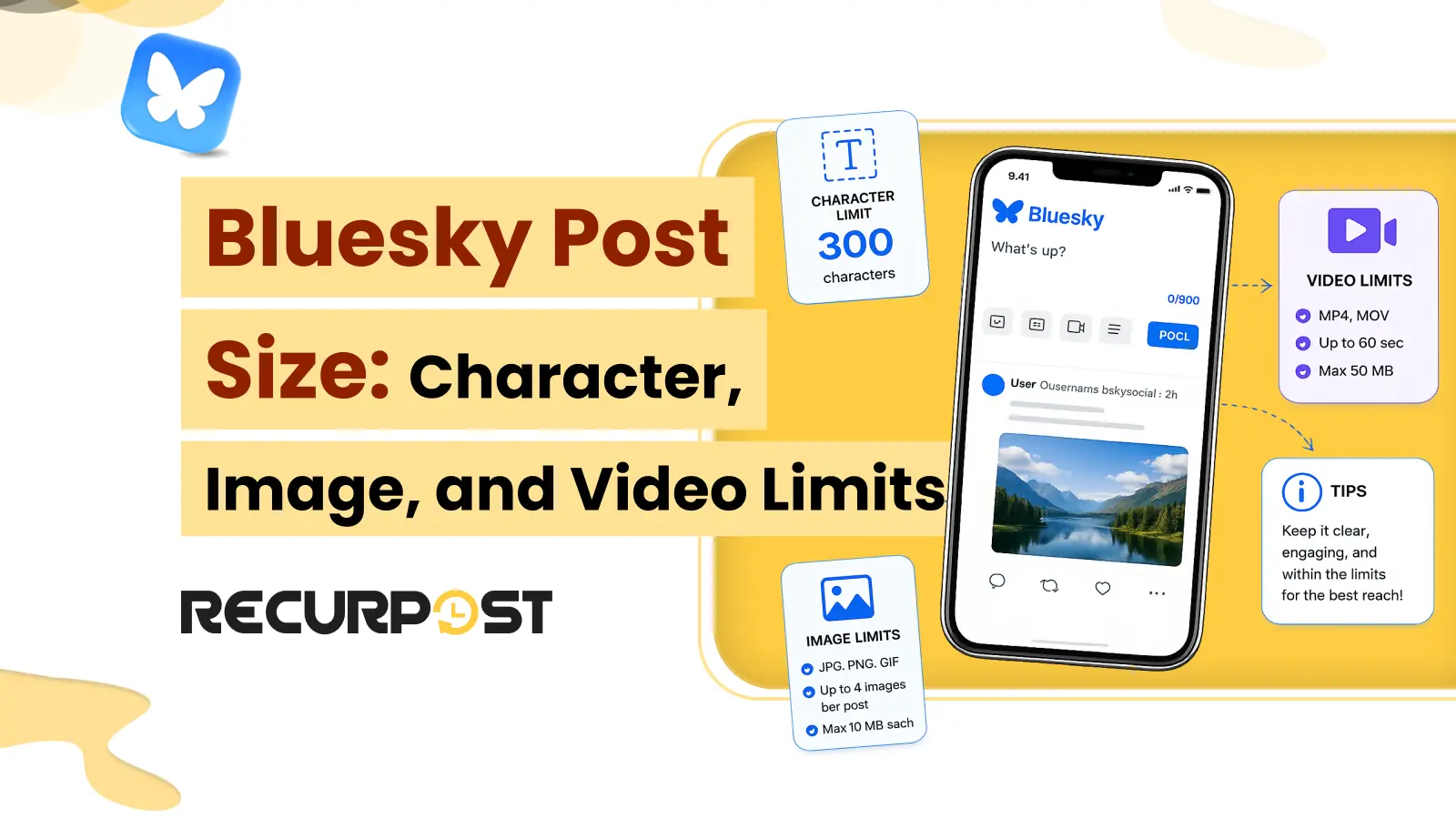
| Text | 300 characters | Bluesky counts graphemes, so one emoji counts as 1. A 3,000-byte cap also applies to raw text. |
| Links and mentions | Count toward the 300 | Bluesky does not shorten URLs. A mention counts its full .bsky.social handle. |
| Images | Up to 4 per post, about 2 MB each | JPEG, PNG, WebP, GIF. Images do not count toward the text limit. |
| Image dimensions | Up to 4000 × 4000; 1000px or larger on the longest side displays sharply. Common ratios 1:1 (1080×1080), 1.91:1 (1200×627), 4:5 (1080×1350) | Bluesky enforces a 2 MB file size cap and a 4000 × 4000 resolution cap, and resizes after upload. Treat the listed ratios as display recommendations, not hard rules. |
| Video | 1 per post, up to 100 MB, up to 3 minutes, MP4 | Up to 20 caption files. A video cannot run with images. |
| Alt text | Up to 2,000 characters per image | Optional but recommended for accessibility. |
| Profile | Display name 64, bio 256 | The handle uses a domain-style format. |
The Bluesky Character Limit Is 300 Characters

A Bluesky post allows up to 300 characters of text. Bluesky counts graphemes, so a single emoji counts as one character even when it’s built from several code points. Bluesky also caps raw text at 3,000 bytes, but only emoji-heavy posts usually exceed that threshold before the 300-character limit.
For an agency, 300 characters is tighter than the number suggests. A caption that fits X at 280 characters overflows Bluesky the moment you add a link and a hashtag. This is because Bluesky counts the full URL and never shortens it. If you repurpose one caption across X, Threads, and Bluesky for a client, Bluesky will reach its limit first.
Bluesky is well-suited for short, direct updates and replies. It has no native long-post composer. Therefore, a longer story runs as a reply thread, with the hook in post one and the detail in the posts beneath it. The cleaner fix for over-limit captions is to write the Bluesky version first at 300, rather than trimming a longer draft to fit.
RecurPost shows a live character count in the composer as you write a Bluesky post. A manager sees the overflow before scheduling, not after. RecurPost also checks each post against a catalog of 850+ documented platform errors. Thus, an over-limit Bluesky post gets flagged at scheduled time instead of failing quietly in the queue. The rest of the posting workflow runs on the Bluesky scheduler.
How Links, Mentions, and Hashtags Use Up Your 300 Characters

Bluesky counts links, mentions, and hashtags toward the 300-character limit, and it never shortens URLs. A full web address counts character for character. Therefore, a 60-character blog URL spends a fifth of the post before a text is written.
For an agency, the worst offender is a tracked campaign link. A UTM-tagged URL with source, medium, and campaign tags often spans 90 to 130 characters. It consumes one-third to nearly half of the post length with a single link. Once you add a call to action and tag the client at @clientname.bsky.social, the available space becomes limited because a mention counts toward the full visible handle length.
Paste the URL in the composer, add the link card, then delete the URL text from the body. The card stays attached and preserves the page’s title and preview image. Plus, you can reclaim every character previously occupied by the URL.
The card retains the complete URL, including all UTM parameters, so removing the visible link does not break campaign tracking. Bluesky has no Instagram-style first comment to park a link in. However, it does not need one because links are clickable in the post body, and the card keeps that body clean.
Ensure the card is built from the destination page’s Open Graph data. As a result, a client page with no shared title or image produces a thin card or none, which leaves the raw URL eating characters. Hashtags count the same as links and mentions. Therefore, a handful of targeted tags works on Bluesky where an Instagram-style block of 20 never fits inside 300.
RecurPost displays a live character count as you compose, allowing managers to see in real time how pasted URLs, mentions, or hashtags consume the 300 and trim it before scheduling, not after the post fails.
Bluesky Image Sizes: 4 Images, 2 MB Each, and the Dimensions That Display Cleanly

A Bluesky post holds up to 4 images, and each image can be up to 2 MB. Bluesky raised that cap from 1 MB in April 2026, and raised the maximum resolution from 2000 × 2000 to 4000 × 4000 pixels at the same time. Bluesky accepts JPEG, PNG, and WebP. It also accepts GIFs, but displays only the first frame as a static image. Images do not count toward the 300-character text limit.
Bluesky displays three shapes cleanly:
- Square: 1080 x 1080 pixels (1:1)
- Landscape: 1200 x 630 pixels (1.91:1)
- Portrait: 1080 x 1350 pixels (4:5)
File size is the limit that stops an upload first, at 2 MB per image, but Bluesky also caps resolution at 4000 × 4000 pixels and automatically resizes after upload. Therefore, the ratios above should be treated as recommended display sizes rather than hard rules. A pasted link uses the destination page’s Open Graph image, which fills the same 1.91:1 card at 1200 x 630.
For an agency, a four-image product set hits the size cap before anything else. Photos straight from a camera or phone run 4 to 6 MB each, well over the 2 MB cap, so Bluesky compresses or rejects them depending on how you upload.
Its compression is also cruder than Instagram’s or X’s, which leaves a product shot looking soft. Besides, the embed is exclusive to a single media type. Each post supports either up to 4 images or one video, but not both. Therefore, a carousel and a demo clip must be published as separate posts.
Always compress and resize each image yourself before posting, so you can control the quality instead of Bluesky’s compressor. Export each still as a web-optimized JPEG or WebP under 2 MB, cropped to 1:1, 1.91:1, or 4:5. Consequently, the set uploads sharp at full size across every client account.
RecurPost includes a built-in image editor with per-platform crop presets. A manager crops a photo to Bluesky’s 1:1 or 1.91:1 and brings an oversized file under the 2 MB ceiling inside the composer, before the post is scheduled. RecurPost keeps a full social media image sizes guide for every network.
Bluesky Video Specs: One MP4, up to 100 MB and 3 Minutes

A Bluesky post holds one video, in MP4 format, up to 100 MB and 3 minutes long. Bluesky raised both limits from 50 MB and 60 seconds. The video also supports up to 20 WebVTT caption files, one per language.
For an agency, file size is the usual blocker, not length. A two-minute client demo clears the three-minute cap with room to spare. However, a 240 MB export does not clear 100 MB and therefore needs a re-encode first.
As mentioned earlier in the guide, it is important to note that a Bluesky post carries one video or images and never both. Therefore, a demo clip and a product carousel go in separate posts. A new client account cannot post video until its email is verified before the first upload. The platform also limits each account to 25 videos or 10 GB a day. This can become restrictive when you batch a week of a client’s video clips into one scheduling session.
Export the clip as an H.264 MP4 under 100 MB, which a two- to three-minute video clears at a normal bitrate, and add a WebVTT caption file. Most Bluesky feeds autoplay muted, so captions carry the message when the sound is off. Accessibility is a stronger norm on Bluesky than on most networks.
RecurPost reads the file before publishing and flags an oversize or wrong-format video at schedule time, so a client clip does not sit in an unattended queue overnight.
Alt Text on Bluesky: Up to 2,000 Characters per Image

Bluesky lets you add up to 2,000 characters of alt text to each image. Alt text is the written description a screen reader reads aloud. This enables a blind user to understand what the image displays. Writing it is optional, but Bluesky leans on the feature harder than most networks. A video also gets a description field, capped at 1,000 characters.
An image carries a visible ALT badge once an alternative-text description has been added. The app also offers an accessibility setting that disables the Post button until every image includes ALT text. For an agency, alt text is still the step that vanishes under volume.
A manager scheduling 40 images across ten client accounts skips the descriptions to move faster. While a client with an accessibility clause in its contract ends up with posts that fall short of it. The miss is hard to undo, because Bluesky has no edit button. Fixing a missing or wrong description means deleting the post and publishing it again.
The solution is to add a clear description to every image at the time of scheduling. Describe what the image shows in one or two concise sentences. Include any text embedded within the image, such as the headline on a quote card or the figures shown in a chart. This is essential because screen readers cannot interpret text that is embedded directly within an image.
RecurPost sets alt text per image in the composer at schedule time, so the description ships with the queued post instead of getting added manually later. This matters more on Bluesky than on most networks, because there is no way to add it once the post is live.
Bluesky Profile Sizes

Bluesky profile limits sit alongside the post limits. A display name holds up to 64 characters and a bio holds up to 256 characters. While a handle uses a domain-style format, such as name.bsky.social or a custom domain you verify.
Why Bluesky Posts Fail on Size, and How RecurPost Catches It

A Bluesky post fails when it crosses one of the platform’s hard size limits. For scheduled content, that failure may occur in the queue, hours after the manager who created the post has moved on. The platform enforces strict limits, including:
- 300 characters of text
- 2 MB per image
- four images per post
- a single MP4 under 100 MB and 3 minutes
If you cross any one of them, Bluesky will reject the post.
For example, a manager schedules a week of posts across ten client accounts on Monday. To the manager’s dismay, the Thursday post fails at publish time when no one is watching the queue. As a result, the campaign beat is missed, the calendar shows a gap, and the client notices the issue before the agency does. While advance scheduling is a core benefit of such tools, it can also cause minor size-related errors to result in missed publishing opportunities.
RecurPost moves the catch to the front, while a human is still in the composer. It shows a live character count as you write. As a result, an over-limit caption surfaces before you schedule. It reads each image and video at the time of scheduling. It flags oversized files, unsupported formats, and clips that exceed platform limits, drawing on a catalog of 850+ documented platform errors.
A Bluesky post gets fixed at the moment it is built, instead of failing unattended in the queue and surfacing as a hole in a client’s feed.
FAQs: Bluesky Post Size
1. What is the Bluesky character limit?
The Bluesky character limit is 300 characters per post. Bluesky counts graphemes, so one emoji counts as a single character. Links, mentions, and hashtags all count toward the 300.
2. How many images can you add to a Bluesky post?
A Bluesky post holds up to 4 images, each up to 2 MB, in JPEG, PNG, or WebP. Images don’t count toward the 300-character text limit.
3. What is the maximum Bluesky video size and length?
A Bluesky video can be up to 100 MB and 3 minutes long, in MP4 format. A post holds one video and can’t combine it with images.
4. Do links count toward the Bluesky character limit?
Yes. Bluesky doesn’t shorten URLs, so the full address counts character for character. Adding a link card lets you delete the URL text from the body and reclaim those characters.
5. Can a Bluesky post have both a photo and a video?
No. Each post is either up to 4 images or one video, never both. Pick one media type before you schedule.
6. How much alt text does Bluesky allow?
Up to 2,000 characters per image, and 1,000 for a video’s description. Alt text is optional but recommended for accessibility. RecurPost lets you set it per image at schedule time.
Try RecurPost
RecurPost Agency plan covers 20 social accounts on one flat plan, with no per-user seat charge. You schedule Bluesky posts, crop images to size, and catch over-limit posts from the same composer your whole team shares.
See plans and pricing for the full plan and add-on list, or start a free RecurPost trial with no credit card.