

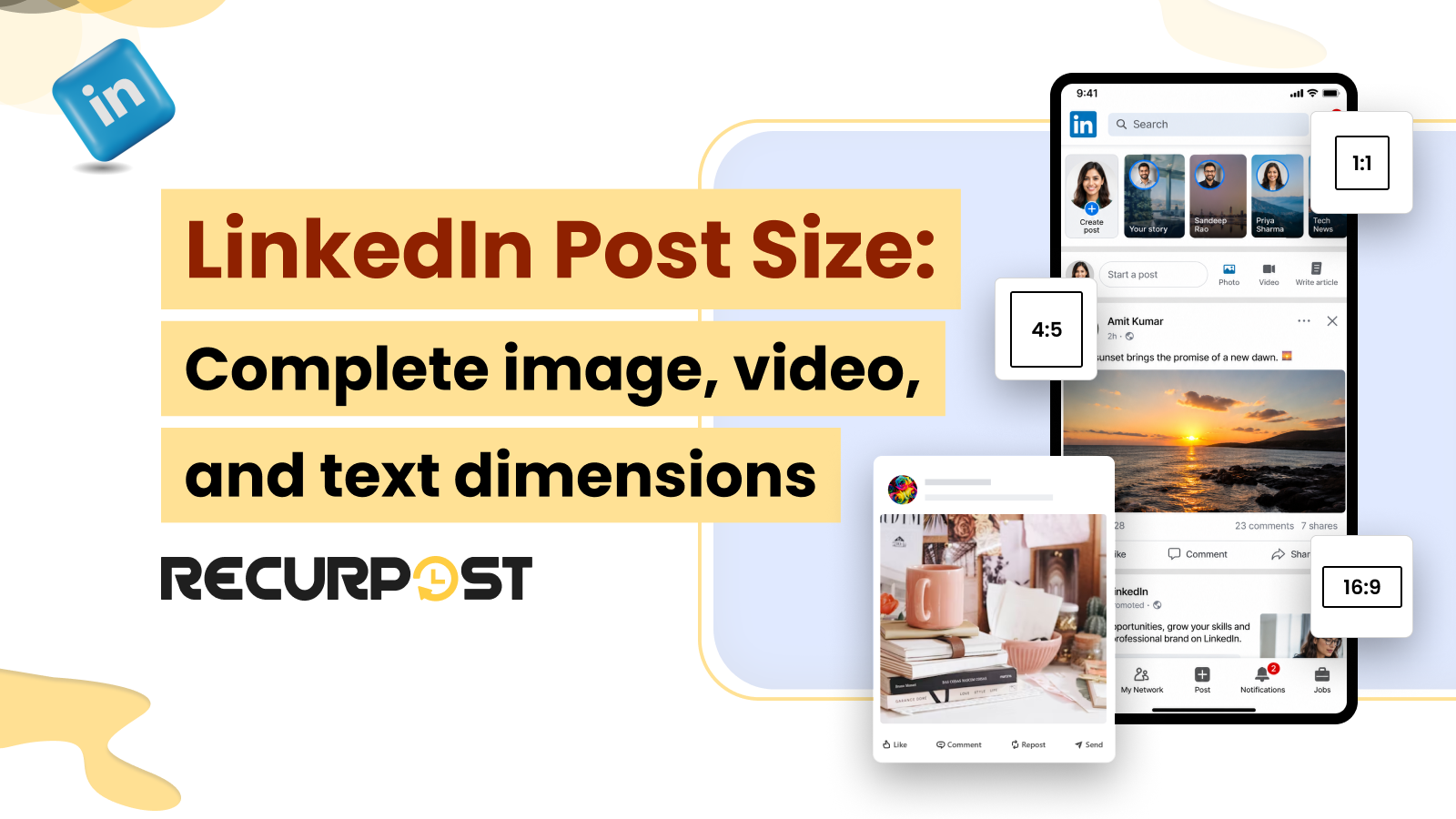
LinkedIn post size determines whether your client’s image fills the feed or gets cropped on the first scroll. LinkedIn renders the same post differently on mobile and on desktop. If you pick the wrong dimensions, the platform crops your image, compresses your video, or hides your hook behind “See more.”
Therefore, to avoid these errors, the following guide walks you through the recommended LinkedIn post dimensions for images, carousels, documents, videos, and text posts. Additionally, the guide explains how to publish content at the recommended sizes across client accounts in RecurPost.
Why LinkedIn Post Size Matters

LinkedIn auto-crops any post that does not match a supported aspect ratio. A landscape image squeezed into a mobile feed loses its top and bottom edges. Plus, a vertical video taller than 9:16 gets letterboxed. Moreover, your text past the cutoff disappears until someone taps to expand it.
Agencies managing several client accounts experience these formatting issues more frequently. For example, picture an agency that posts a client’s carousel at 1200 x 1200. It looks sharp on a desktop. However, on mobile, LinkedIn trims its sides, resulting in important elements, such as the client’s logo or branding, being partially hidden.
Therefore, using the recommended LinkedIn carousel size from the first publish helps maintain a consistent appearance across devices. It also reduces the need for reshoots, re-uploads, and last-minute client revisions.
LinkedIn Image Dimensions

The recommended LinkedIn single-image size is 1200 x 627 pixels (1.91:1 landscape). LinkedIn also supports square 1:1 and portrait 4:5, with each occupying a different amount of feed space.
| Format | Size (pixels) | Aspect ratio | Max file size |
| Landscape (recommended) | 1200 x 627 | 1.91:1 | 8 MB |
| Square | 1200 x 1200 | 1:1 | 8 MB |
| Portrait | 1080 x 1350 | 4:5 | 8 MB |
LinkedIn accepts JPG, PNG, and non-animated GIF files, each up to 8 MB. Portrait 4:5 suits clients who require the most vertical room in the mobile feed. Avoid using images taller than a 4:5 aspect ratio, as LinkedIn crops more vertical formats. As a result, a 9:16 still image loses its edges and important visual elements.
LinkedIn Carousel and Document Post Sizes

A LinkedIn carousel is a document post. Hence, you upload a PDF rather than separate slides. LinkedIn displays these best at 1080 x 1080 pixels (1:1) or 1080 x 1350 pixels (4:5).
| Spec | Value |
| Best display size | 1080 x 1080 (1:1) or 1080 x 1350 (4:5) |
| Upload format | PDF document post |
| Max pages | 300 |
| Max file size | 100 MB |
| Image carousel slide | Up to 10 MB per slide |
Use 4:5 (1080 x 1350) when you want more mobile screen space, and 1:1 when you want a tidy frame in the desktop feed. A document post accepts up to 300 pages and 100 MB, which is sufficient for a client’s one-pager turned into a swipeable carousel.
It is important to note that LinkedIn accepts PDF documents with a maximum file size of 100 MB and a maximum page length of 300. Documents exceeding either limit are rejected during upload.
LinkedIn Video Specifications

LinkedIn native video runs from 256 x 144 to 4096 x 2304 pixels and from 3 seconds to 10 minutes on a Company Page, or up to 15 minutes on a member post. The platform supports square, portrait, vertical, and landscape clips.
| Spec | Value |
| Resolution range | 256 x 144 to 4096 x 2304 |
| Aspect ratios | 1:1, 4:5, 9:16, 16:9 |
| Length | 3 seconds to 10 minutes (Pages); up to 15 minutes (member posts) |
| Max file size | 5 GB |
| Frame rate | 30 FPS recommended |
Use 9:16 for a short vertical clip that fills the mobile screen, and 1:1 or 4:5 for in-feed video that plays well on both devices. A 60-second vertical cut is best suited for quick client updates.
To upload a native LinkedIn video successfully, keep a Company Page video under 10 minutes and 5 GB. Member posts accept up to 15 minutes at the same 5 GB ceiling.
LinkedIn Text Length and The “See More” Cutoff

A LinkedIn post allows up to 3,000 characters of body text. The feed shows only a small slice before it collapses the rest behind “See more.”
LinkedIn truncates at roughly 140 characters on mobile and roughly 210 characters on desktop. Since most of your client’s audience browse on mobile phones, the first 140 characters carry the post. Hence, place the hook and the call to action within that opening line. Bury the point past the fold, as most readers never expand it. Notably, the important information positioned after the “See more” break may receive less visibility.
Engagement data points two ways on length. First, short posts of 150 to 300 characters read fast and suit a single sharp idea. Second, the longer posts of 1,200 to 1,600 characters give a thought-leadership story room to build. Treat both as guidance, not a rule, and test them against each client’s audience.
LinkedIn Post Size Quick Reference Chart

Every LinkedIn post specification sits in the table below, so you can size a client post without scrolling back.
| Format | Recommended size | Aspect ratio | Max file size |
| Single image (landscape) | 1200 x 627 | 1.91:1 | 8 MB |
| Square image | 1200 x 1200 | 1:1 | 8 MB |
| Portrait image | 1080 x 1350 | 4:5 | 8 MB |
| Carousel/document | 1080 x 1080 or 1080 x 1350 | 1:1 or 4:5 | 100 MB (PDF) |
| Video | Up to 4096 x 2304 | 1:1, 4:5, 9:16, 16:9 | 5 GB |
| Text post | Up to 3,000 characters | n/a | n/a |
How to Publish at the Right LinkedIn Size in RecurPost

RecurPost crops and previews your LinkedIn posts to the correct size before they move out. Inside its composer, you can scale them to the right dimension instead of relying on LinkedIn to auto-crop the upload.
RecurPost’s image cropper and built-in image editor carry platform-specific crop presets. As a result, you can frame a client image to LinkedIn’s 1:1, 1.91:1, or 4:5 in a single click. RecurPost’s post preview shows the LinkedIn-accurate render, including where the “See more” fold falls. This makes it easier for you to confirm that the hook lands above the cutoff.
RecurPost also tailors the same idea per platform, allowing you to resize and re-caption for LinkedIn without duplicating creative across every account.
For instance, picture a freelancer sizing one client image to the recommended LinkedIn 4:5 aspect ratio. They then review the image on the mobile fold in the preview, and later schedule it in the post across three client accounts from a single publishing calendar.
Notably, RecurPost helps you publish at the right size. RecurPost does not change LinkedIn’s limits, so the 3,000-character cap and the 8 MB image ceiling still apply.
Moreover, RecurPost sets this workflow inside the wider LinkedIn scheduler, where you plan, queue, and publish a full week of correctly sized LinkedIn posts for every client.
FAQs: LinkedIn Post Size
1. What size should a LinkedIn post image be?
A LinkedIn post image works best at 1200 x 627 pixels for landscape, 1200 x 1200 for square, or 1080 x 1350 for portrait. LinkedIn accepts JPG, PNG, and non-animated GIF files up to 8 MB. Portrait 4:5 claims the most space in the mobile feed.
2. What is the LinkedIn post character limit?
A LinkedIn post allows up to 3,000 characters of body text. The feed hides text after about 140 characters on mobile and about 210 on desktop behind “See more.” Front-load the hook so it shows before the cutoff.
3. What is the best LinkedIn carousel size?
A LinkedIn carousel works best at 1080 x 1080 pixels (1:1) or 1080 x 1350 pixels (4:5). LinkedIn carousels are PDF document posts that accept up to 300 pages and 100 MB.
4. How long can a LinkedIn video be?
A LinkedIn native video can run from 3 seconds to 10 minutes on a Company Page, or up to 15 minutes on a member post. The file can reach 5 GB and supports resolutions up to 4096 x 2304. A 1- to 2-minute clip suits most in-feed client videos.
5. What aspect ratio is best for LinkedIn?
LinkedIn supports 1:1, 4:5, 9:16, and 16:9 for video, and 1.91:1, 1:1, and 4:5 for images. Vertical 4:5 and 9:16 fill more of the mobile screen, so they fit phone-first audiences. Square 1:1 reads cleanly on both mobile and desktop.
6. Does LinkedIn compress images?
LinkedIn compresses images that exceed its size or dimension limits. Keep each image under 8 MB and at a supported size (1200 x 627, 1200 x 1200, or 1080 x 1350) to hold quality. PNG holds text and logos sharper than JPG at the same dimensions.
Try RecurPost
RecurPost crops, previews, and schedules your LinkedIn posts at the correct size, then publishes them across every client account from a single calendar. RecurPost’s Agency plan covers 20 social accounts for $79/mo with no per-seat charge.
See RecurPost plans and pricing for every add-on, including its unit price, or start your 14-day free trial with no credit card.