

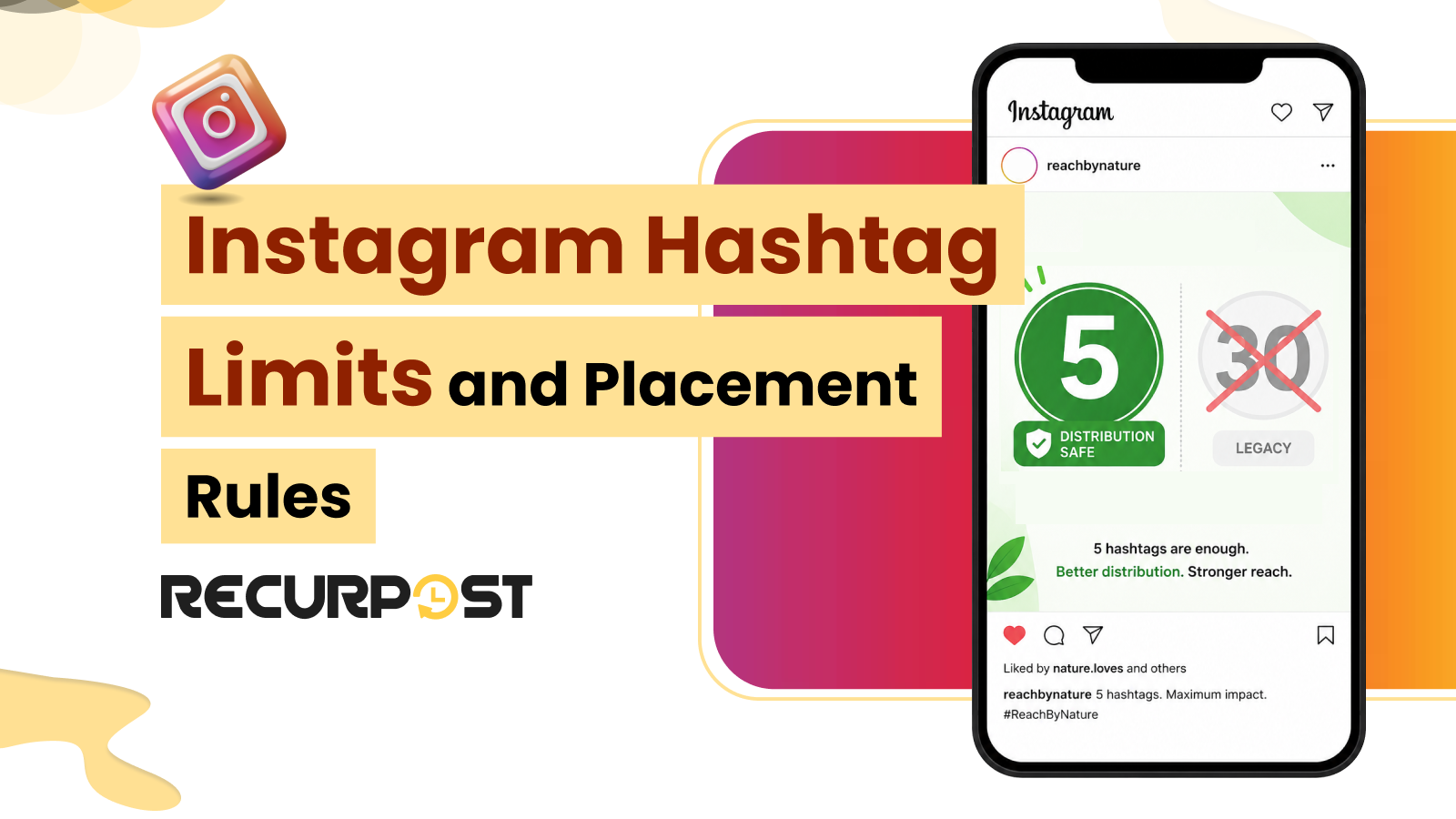
Instagram rewrote its hashtag rules, and many agencies are still following the old ones, which can now limit their reach. As of December 2025, Instagram’s own app hard-caps captions at 5 hashtags on posts and Reels, down from the previous 30-hashtag technical limit. RecurPost publishes through Instagram’s official API, which still accepts up to 30 hashtags per caption — RecurPost does not add its own cap on top of Instagram’s.
RecurPost publishes Instagram posts according to Instagram’s current hashtag rules. As a result, your client’s feed posts, Reels, and Stories get the full reach instead of being affected by excessive hashtag use.
RecurPost’s Instagram scheduler can automatically publish hashtags in the first comment to keep captions clean and uncluttered. RecurPost also flags publishing errors before they can affect your live Instagram feed.
This guide covers Instagram’s hashtag limits across different surfaces and examines whether hashtags perform better in captions or the first comment. It also explains how RecurPost maintains consistent hashtag rules across client accounts. However, this guide does not cover trending hashtag research or follower-growth tactics.
Instagram hashtag limits at a glance

The summary below covers every Instagram surface that RecurPost publishes to, verified against Instagram’s current app behavior and API documentation as of September 2026. It shows Instagram’s app-enforced rule on the left and RecurPost’s actual publishing ceiling on the right.
| Surface | Instagram’s app limit | RecurPost/API ceiling | Notes |
|---|---|---|---|
| Feed post | 5 hashtags (hard block, Dec 2025) | 30 hashtags | Instagram’s app won’t let you compose past 5; RecurPost publishes through the API, which still accepts 30, but 3 to 5 relevant tags still perform best |
| Reel | 5 in the caption (hard block, Dec 2025) | 30 hashtags | Same rule as a feed post; no extra allowance for Reels |
| Story | Not capped by the Dec 2025 change | 10 stickers (technical) | 1 to 3 recommended; discovery from Story hashtags is minor |
| Caption vs first comment | Counted together | — | Placement is reach-neutral; keep the combined total at 5 across both, not 5 each |
The sections below explain each rule in detail, including Instagram’s published guidance, how RecurPost applies the rule, the fit and non-fit conditions, and a real agency scenario.
How many hashtags an Instagram feed post can use: 5 distribution-safe, 30 legacy

As of December 2025, Instagram’s own app hard-caps feed post captions at 5 hashtags — the composer blocks a 6th tag before you can publish. That’s down from the platform’s previous 30-hashtag technical limit, which is one reason many agency captions still carry long tag lists. RecurPost publishes through Instagram’s official API, which still accepts up to 30 hashtags per caption, so a RecurPost-scheduled post with more than 5 tags still goes live. Instagram’s own guidance still favors fewer, more specific tags over a long list, so 3 to 5 relevant hashtags remains the better choice even when the API allows more.
RecurPost’s AI hashtag suggestions analyze the caption and recommend tags that match the post’s subject. This helps keep the hashtag set between 3 and 5 tags.
Additionally, RecurPost’s saved hashtag sets (“Bags of Tags”) let you reuse an approved group for each client without retyping it. Plus, RecurPost checks every post against a catalog of more than 850 documented platform errors before it reaches Instagram, so a formatting issue is flagged in the composer instead of failing silently after publication.
- Fit: Use 3 to 5 hashtags that match the actual subject of the post.
- Non-fit: Using hashtags only to reach the maximum limit. More than 5 hashtags can signal low-intent content and reduce visibility across discovery surfaces, so a block of 30 hashtags may work against the post instead of supporting it.
For example, a boutique agency created a “30 hashtags per post” caption template in 2023 and applied it across 40 client accounts. That template now reduces reach across all 40 accounts, while no single post appears broken enough to attract attention. The fix is to replace the template with a 3-to-5 tag set in each client’s saved hashtag group before the next posts are scheduled.
Instagram Reels hashtags: 3 to 5 in the caption

Instagram’s app applies the same 5-hashtag hard cap to Reels as it does to feed posts (December 2025). Three to five hashtags in the Reel caption is the recommended range. Reels do not have a higher hashtag allowance, although many users still believe they do. RecurPost publishes Reels through the same API as feed posts, so the 30-hashtag API ceiling applies here too — but adding more hashtags will not increase Reel recommendations, and Instagram’s own guidance still favors staying within 3 to 5.
RecurPost schedules Reels with the caption, cover frame, and hashtags in one workflow. As a result, the hashtag rule stays with the Reel instead of being added at the last minute. RecurPost’s AI hashtag suggestions analyze the Reel’s subject and recommend relevant hashtags, which helps keep the count within the recommended range.
- Fit: Use 3 to 5 hashtags that match the Reel’s actual topic.
- Non-fit: Reusing a 20-hashtag block copied from an old Reel template. Instagram reduces Reel recommendations when a Reel uses more than 5 hashtags, so the recycled hashtag block can limit reach quietly.
Real-world scenario: A freelancer schedules three Reels each week for a boutique fitness client. The freelancer prepares each Reel in RecurPost with a fixed set of 4 hashtags for each content theme. As a result, every Reel stays within the hashtag limit without requiring a manual hashtag check before publishing.
Instagram Stories hashtags: 1 to 3 stickers, up to 10 technically

Instagram technically allows up to 10 hashtag stickers in a Story, but 1 to 3 relevant stickers is the recommended range. Story hashtags contribute little to discovery, so adding 10 stickers can clutter the Story without providing much benefit. Instagram also places its own controls at the top and bottom of the screen, which can hide stickers placed in those areas.
RecurPost schedules Stories alongside the rest of your client’s Instagram content, so the team reviews each week’s Stories in the same calendar as the feed.
- Fit: Using 1 to 3 relevant hashtag stickers and placing them in the center area of the Story.
- Non-fit: Using 10 hashtag stickers as a reach tactic. Too many stickers can clutter the Story and provide little discovery value. In addition, stickers placed at the top or bottom of the screen may be hidden behind Instagram’s interface.
Agency scenario: An agency manages daily Stories for three retail clients. The agency keeps each Story to one hashtag sticker, so the Stories stay clean and consistent across all three accounts and no account gradually shifts to large groups of hashtag stickers.
Caption or first comment: where Instagram hashtags go now

Instagram counts caption hashtags and first-comment hashtags the same way, so placement no longer affects reach. For years, many agencies placed hashtags in the first comment to keep captions clean while trying to increase reach. However, the reach benefit is gone.
First-comment hashtags now count toward the same hashtag limit, so 5 hashtags in the caption and 5 in the first comment count as 10 hashtags in total. As a result, the post can exceed Instagram’s recommended threshold. It is recommended to keep the total number of hashtags at 5 across both locations, not 5 in each.
RecurPost’s first-comment feature publishes the first comment automatically as soon as the post goes live. Therefore, maintaining a clean caption does not require extra manual work. An agency that manages 20 client accounts cannot manually add a comment to every post immediately after publishing. Therefore, automation makes first-comment placement practical at scale.
- Fit: First comment placement when the client wants a clean, on-brand caption.
- Non-fit: Promoting first-comment placement as a way to increase reach. This benefit existed years ago, but it no longer applies. Positioning first-comment hashtags as an algorithm advantage can mislead the client.
Real-world scenario: A creative agency uses a “hashtags in the first comment” standard across all client accounts to keep captions clean and consistent. RecurPost posts each first comment automatically on schedule. Due to this, the standard stays in place across every account, without requiring a manager to add comments manually after each post goes live.
How RecurPost helps agencies keep hashtags current across client accounts

Managing a single account by hand is easy. The risk appears at scale when an outdated hashtag habit carries on across 20 or 40 client accounts. RecurPost’s saved hashtag groups and AI hashtag suggestions keep each new post’s tag set current, so when Instagram changes its hashtag limits again, the team updates each client’s saved group instead of retyping tags post by post.
RecurPost also customizes hashtags for each network from a single composer, so a post going to Instagram, Facebook, and LinkedIn carries a different hashtag set for each network without requiring three separate drafts. Instagram gets its own 3-to-5 hashtag set, while the other supported social media networks use platform-specific hashtag sets tailored to their respective requirements. RecurPost also checks every post against more than 850 documented platform errors before it reaches the platform. This results in a post-level issue being flagged in the composer instead of repeating across accounts.
| What you do | What Instagram does | What RecurPost does about it |
|---|---|---|
| More than 5 hashtags on a feed post or Reel | Blocked in Instagram’s own app (Dec 2025); RecurPost’s API still accepts up to 30 | Keeps the working set at 3 to 5 with AI suggestions and saved hashtag groups, even though the API would allow more |
| 5 in the caption plus 5 in the first comment | Counts 10 and suppresses the post | Posts the first comment automatically, so you place the single 5-tag set once, not twice |
| 10 stacked stickers on a Story | Returns almost no discovery and clutters the frame | Schedules Stories in the same calendar as the feed, so the team reviews them together |
| A formatting or publishing failure at scale | Rejects or drops the post | Flags it in the composer with a fix, drawing on a catalog of 850+ documented platform errors |
- Fit: Agencies and freelancers who keep hashtag sets consistent across multiple client accounts.
- Non-fit: A single hobby account, where cross-account standardization provides little benefit.
Real-world scenario: A 20-account agency schedules 200 Instagram posts each week through RecurPost. The first-comment automation keeps captions clean without manual work. RecurPost’s error checks also catch a bad pattern before it repeats across hundreds of scheduled posts.
How many hashtags should you actually use?
Three to five specific and relevant hashtags provide the best reach and engagement under Instagram’s current rules. RecurPost’s AI hashtag suggestions analyze the caption and recommend hashtags that match the post’s subject. Saved hashtag sets let you reuse approved groups for each client without retyping them. The goal is to use fewer, more relevant hashtags instead of adding as many hashtags as possible.
Instagram Hashtag Limits and Placement Rules FAQs
1. What is the maximum number of hashtags on an Instagram post in 2026?
As of December 2025, Instagram’s own app enforces a hard 5-hashtag limit per caption on posts and Reels — the composer blocks anything past 5. RecurPost publishes through Instagram’s official API, which still accepts up to 30 hashtags per caption, so a RecurPost-scheduled post can carry more. For most posts, though, 3 to 5 specific and relevant hashtags remain the best-performing range.
2. Will using more than 5 hashtags get my Instagram post banned?
Using more than 5 hashtags does not ban an Instagram post. In Instagram’s own app, you can’t even compose past 5 — the limit blocks you before you publish. Scheduled through RecurPost’s API, a caption with more than 5 hashtags still publishes normally, since the API’s ceiling is 30. Instagram’s guidance still favors fewer, more specific tags, so treat 5 as the practical ceiling either way.
3. Do hashtags in the first comment count toward the Instagram limit?
Yes. Instagram counts hashtags in the first comment the same way it counts hashtags in the caption, with no difference in reach. Five hashtags in the caption and five in the first comment count as 10 hashtags in total, which exceeds the recommended limit. Keep the combined total at 5 hashtags across both locations.
4. Is it better to put hashtags in the caption or the first comment?
Instagram hashtag placement does not affect reach in 2026, so hashtags in the caption and hashtags in the first comment perform the same. The main benefit of first-comment placement is a cleaner caption. RecurPost publishes the first comment automatically when the post goes live, so agencies can maintain clean captions across client accounts without extra manual work.
5. How many hashtags should I use on an Instagram Reel?
An Instagram Reel performs best with 3 to 5 specific and relevant hashtags in the caption, which is the same limit recommended for feed posts. Reels do not have a higher hashtag allowance. Using more than 5 hashtags can reduce the Reel’s visibility in recommendations.
6. How many hashtags can I add to an Instagram Story?
Instagram technically allows up to 10 hashtag stickers in a Story, but 1 to 3 relevant stickers is the recommended range. Story hashtags contribute little to discovery, so adding too many stickers can clutter the Story without providing much benefit.
7. Can I set different hashtags for Instagram, Facebook, and LinkedIn in one post?
Yes. RecurPost customizes hashtags for each network from a single composer, so one post can use a 3-to-5 hashtag set for Instagram and different hashtag sets for Facebook, LinkedIn, and other platforms. You write the post once and adjust the hashtags for each network instead of creating separate drafts.
8. Can I save and reuse hashtag groups across client accounts?
Yes. RecurPost saves hashtag groups as named sets (“Bags of Tags”) and lets you add an approved group to a post with one click. You can reuse the same set across client accounts, so agencies can keep each client’s approved hashtag group ready instead of retyping hashtags for every post.
Try RecurPost
RecurPost’s Agency plan covers 20 social accounts at a flat monthly rate with no per-user seat charges. RecurPost’s free trial includes –
- full Instagram scheduling,
- the same composer preview,
- AI hashtag suggestions,
- saved hashtag sets,
- first-comment automation, and
- an error catalog
Notably, the error catalog translates more than 850 documented platform errors into clear fix-it messages.
As a result, agencies can schedule real client posts within Instagram’s hashtag limits before upgrading to a paid plan.
You can view the plans and pricing page for every add-on, including its category and unit price, or start a free trial with the RecurPost Instagram scheduler.