

The most common issue marketers face on TikTok is that videos often display incorrectly after upload. This often results in the video appearing with black bars on the sides or with a cropped subject.
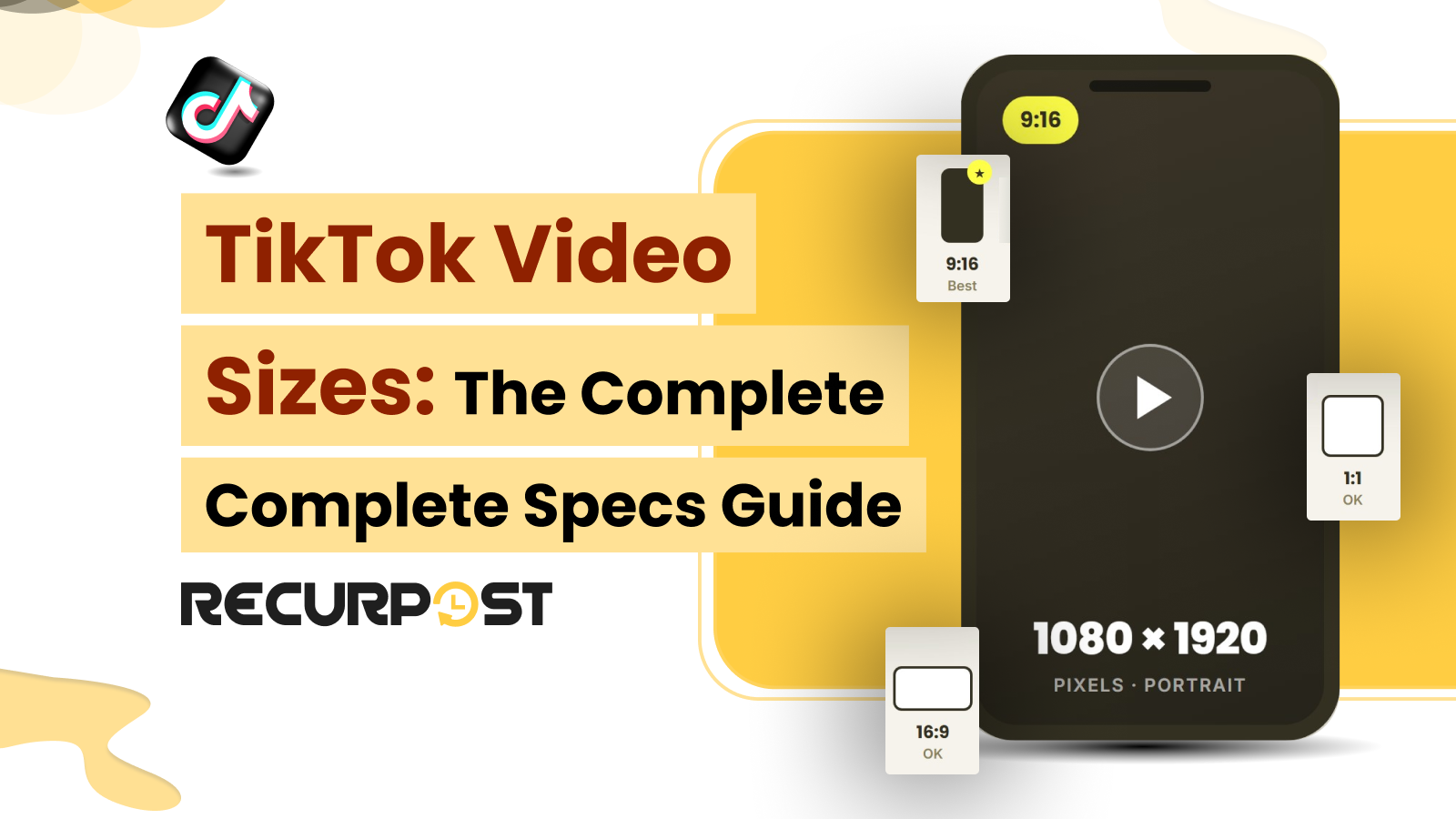
The correct TikTok video size is 1080 x 1920 pixels at a 9:16 aspect ratio, the vertical format that fills the For You feed. However, marketers still make TikTok video size mistakes after knowing the specifications. A common issue marketers encounter on TikTok is improper video rendering after upload.
TikTok ranks videos by completion rate, so a letterboxed or cropped clip reads as non-native and the algorithm shows it to fewer people. The platform also re-encodes every upload.
This means a file that ignores the specs loses quality the second time during compression. For an agency or freelancer, one mis-sized video consumes production time and forces a repost on a client’s account.
This guide gives you every TikTok video size that matters in 2026, including dimensions, aspect ratio, length, frame rate, file size, accepted formats, and the cover and safe-zone rules. It also explains how RecurPost handles TikTok video for agencies managing many client accounts: what it passes through, what it transcodes, and where cropping applies.
TikTok Video Size at a Glance
As we highlighted above, the recommended TikTok video size is 1080*1920 pixels in a 9:16 vertical frame. This single spec covers most of what an agency needs before a clip goes into the schedule. Here are the numbers TikTok works with in 2026.
| Spec | Value |
|---|---|
| Resolution | 1080 x 1920 px (recommended); TikTok’s API accepts 360 to 4096 px per side |
| Aspect ratio | 9:16 vertical (native); 1:1 and 16:9 accepted with bars |
| Minimum length | 3 seconds |
| Maximum length (Content Posting API) | Set per creator account: 10 minutes on most accounts, up to 60 minutes on some |
| Maximum file size (Content Posting API) | 4 GB, uploaded in chunks of 5 to 64 MB |
| Native comparison: length | 10 minutes recorded in-app; up to 60 minutes through the web uploader |
| Frame rate | 23 to 60 fps |
| Accepted formats | MP4 and MOV (MP4 with H.264 video and AAC audio is most compatible) |
| Native comparison: file size | ~72 MB on Android and ~287.6 MB on iOS in the app; up to 4 GB through the web uploader |
| Cover image | 1080 x 1920 px, 9:16 |
The Content Posting API rows apply to scheduled posts, because schedulers publish through TikTok’s Content Posting API. The native rows are comparisons for posting from the TikTok app or web uploader. MP4 with H.264 video and AAC audio is the most reliable format for TikTok. A 1:1 or 16:9 file still posts, but it will appear with black bars and occupy less screen space.
Therefore, 9:16 is the recommended export format for scheduling. RecurPost accepts MP4 and MOV and publishes the file at the aspect ratio you upload. This distinctly means that the 9:16 clip you queue with the TikTok scheduler is the one that goes live on the account.
The Correct TikTok Aspect Ratio is 9:16

TikTok’s native aspect ratio is 9:16, the vertical shape that fills the entire phone screen. Notably, aspect ratio describes the proportion of width to height. Therefore, 9:16 is a frame taller than it is wide at a nine-to-sixteen ratio. The resolution that produces this shape is 1080 x 1920 pixels.
Resolution and aspect ratio measure different things. For example, 1080 x 1920 and 720 x 1280 are both 9:16, but 1080 x 1920 holds the most detail once TikTok compresses the file.
A 1:1 square or 16:9 landscape video still uploads, and TikTok pads it with black bars to fit the vertical screen. This padding shrinks the active video area and pushes captions and engagement buttons into a smaller part of the frame. Letterboxed clips also tell the algorithm that the content was not built for the feed, and TikTok gives non-native videos less distribution.
A 9:16 frame matches how TikTok ranks content. The algorithm weights completion rate, and a full-screen vertical video holds attention better than a clip boxed in by a space.
The same export carries across platforms, too. 9:16 is the native ratio for Instagram Reels and YouTube Shorts. As a result, one vertical publishes to all three without a re-crop.
Plus, product demos, screen recordings, and gameplay footage sometimes read more clearly in landscape. On top of that, TikTok now offers a rotate-to-full-screen option for horizontal video. Therefore, choose 16:9 on purpose for that kind of footage.
A single 9:16 export standard keeps a client roster consistent across accounts. RecurPost does not crop video: it publishes the ratio you upload and letterboxes a 1:1 or 16:9 file rather than force-cropping your edit, so the crop to 9:16 happens in your editor before you upload. RecurPost then schedules all those accounts from one dashboard.
TikTok Video Length, Frame Rate, and File Size
TikTok accepts videos from 3 seconds. Through the Content Posting API that schedulers use, the maximum duration is set per creator account: 10 minutes on most accounts, up to 60 minutes on some. Natively, in-app recording caps at 10 minutes, and the web uploader at tiktok.com supports videos up to 60 minutes long.
Length and performance are separate questions, though. TikTok ranks on retention rate. Therefore, a 25-second clip that most viewers engage with is more likely to be pushed further than a 3-minute video they skip. Most feed posts land their best numbers under a minute, often in the 15 to 34 second range.
TikTok’s API accepts 23 to 60 fps and displays at 30 or 60; RecurPost normalises video into a 30 to 60 fps window before sending, and transcodes it to H.264. An export setting of 30 fps is ideal for standard talking-head and static content. Conversely, for fast motion like sports, gameplay, or product demos. Switch to 60 fps.
Those extra frames help keep your fast-paced motion smooth and crystal clear. Bitrate is where most of the quality is won or lost. Therefore, keep 1080p footage around 5 to 10 Mbps. Below roughly 2 Mbps, the picture turns soft. While above 10 Mbps, you mostly have to add the file size that TikTok compresses during its re-encode.
File size caps depend on where the file goes in from. Through the Content Posting API that schedulers use, the limit is 4 GB, and RecurPost uploads video in chunks so large files survive the trip. As native comparisons, the app limit is 72 MB on Android and 287.6 MB on iOS, and the web uploader at tiktok.com takes files up to 4 GB.
When a post fails to publish, RecurPost surfaces the reason directly alongside the post in the queue. This ensures the issue is clearly identified rather than going unnoticed. The platform documents over 850 publishing error types across networks. As a result, a TikTok upload that gets rejected displays what to fix rather than disappearing from the schedule; fix the file and retry from History.
TikTok Cover and Safe Zones
A TikTok cover is 1080 x 1920 pixels at 9:16, the same frame as the video. It is the still image that represents the clip on your profile grid and in search results. Notably, not on the For You feed, where the video autoplays.
The profile grid trims the top and bottom of the cover. As a result, faces and text stay safe only when they are placed near the center. TikTok also prints the first line of your caption across the bottom of the cover. This hides any logo or text placed there. The cover you choose must beat the random frame TikTok grabs when you skip the step.
TikTok’s cover safe zone is the center of the screen. Keep the text roughly 250 pixels clear of the bottom and 150 pixels clear of the right. With another 130 pixels of room at the top for the search and tab bar.
This is because TikTok lays its own interface over the video. Action icons such as like, comment, share, and bookmark run up the right edge. While the username, caption, and sound credit are displayed along the bottom of the screen. Moreover, text or a call to action under those elements gets covered.
A longer caption pushes the band higher and shrinks the safe area. Therefore, the pixel guides from older templates do not always hold. Leave margin rather than trusting an exact line. RecurPost lets you pick the exact video frame that shows as the cover of a video post or upload a thumbnail image, and its built-in image editor has a TikTok 9:16 crop preset for covers. Left unset, RecurPost uses the 1-second mark rather than a black opening frame. Therefore, the feed thumbnail is a frame you chose, not a blurry auto-grabbed still.
TikTok Video Specs by Content Type

Every native TikTok format starts from the same 9:16, 1080 by 1920 canvas. What changes between formats is length and composition, not the core dimensions.
| Format | Canvas | Notes |
|---|---|---|
| Standard video | 1080 x 1920, 9:16 | The default feed post |
| TikTok Story | 1080 x 1920, 9:16 | Vertical, short-lived |
| Photo Mode/slideshow | 1080 x 1920, 9:16 stills | Still images in the same frame |
| Duet | 1080 x 1920, 9:16 | Your clip shares the frame with another video |
| Stitch | 1080 x 1920, 9:16 | Your clip follows a trimmed source clip |
RecurPost publishes the two formats TikTok’s API accepts: video posts, and photo carousels of up to 10 images. Stories, Duets and Stitches are created in the TikTok app, so the canvas above is a reference for them. When you schedule, RecurPost sets the privacy level, the comment, Duet and Stitch permissions and the content disclosure flags, so those settings ship with the video.
Common TikTok Video Size Mistakes

Most TikTok size problems trace back to four mistakes, and each one has a fix you apply at export.
- A square or landscape export plays inside black bars on the vertical feed. Crop it to 9:16 in your editor before uploading; RecurPost publishes the ratio you upload.
- A 720p file looks soft once TikTok compresses it. Export at 1080 x 1920 instead.
- A CTA under the caption band gets hidden behind the interface. Center the key text clear of the bottom strip.
- A file over the in-app cap (72 MB on Android) will not upload from the app. Compress it to 1080p, or publish through the web uploader or a scheduler, where the limit is 4 GB.
All four are export decisions, fixed before the file reaches a scheduler. RecurPost does not crop or resize video, so the fixes stay in your editor; if TikTok rejects a file, the reason shows on the post. For sizing across every platform an agency runs, RecurPost keeps a wider social media video sizes reference.
How RecurPost Keeps Your TikTok Videos at the Right Size
RecurPost gives an agency one place to cover and schedule TikTok videos across many client accounts, and it does not change your framing. Four parts of the product do the work; they include-
- RecurPost publishes the ratio you upload. It accepts tall 9:16 to wide 16:9 and letterboxes instead of force-cropping your edit, transcodes video to H.264, normalises the frame rate into a 30 to 60 fps window and adds a silent audio track when a video has none. Its built-in image editor has a TikTok 9:16 crop preset for covers and carousel images, not for video.
- RecurPost lets you pick the exact video frame for the cover, or upload a thumbnail image, for each video post. You choose it at schedule time, so the feed frame is intentional rather than an auto-grabbed still.
- RecurPost sets TikTok privacy level, comment, Duet and Stitch permissions when you schedule, so the interaction settings ship with the video in one pass.
- RecurPost documents over 850 platform errors. A TikTok upload that breaks a format or size limit surfaces as a clear error with the fix, so a wrong-size file does not sit unpublished in the queue.
For an agency scheduling 20 TikTok client accounts, standardize every export to 9:16 in your editor, and RecurPost sets a deliberate cover and queues each post from one calendar. Besides, RecurPost fits teams that publish across many accounts and need consistent specs. However, RecurPost is less suited to a single creator who only posts from the TikTok app and never schedules ahead.
TikTok Video Ad Specs
TikTok ad placements such as In-Feed, TopView and Spark Ads prefer the same 9:16, 1080 by 1920 frame, but each has its own length and file rules that TikTok publishes in Ads Manager and changes over time, so check them there before you build an ad. The deeper paid workflow lives on RecurPost’s paid ads feature.
Try RecurPost
RecurPost publishes your 9:16 clip as uploaded, sets the cover, and schedules it across every client account from one calendar. RecurPost’s Agency plan covers 20 social accounts and 3 users for $79 per month, and extra teammates cost $20 each.
See RecurPost plans and pricing for every plan and add-on, or start your 14-day free trial with no credit card.
TikTok Video Sizes: FAQs
1. What Is the Best TikTok Video Size?
The best TikTok video size is 1080 x 1920 pixels at a 9:16 vertical aspect ratio. This fills the full mobile screen with no black bars and holds the most detail after TikTok compresses the upload.
2. What Aspect Ratio Does TikTok Use?
TikTok uses a 9:16 vertical aspect ratio as its native format. It also accepts 1:1 square and 16:9 landscape, but those play inside black bars and reach fewer viewers, so 9:16 is the recommended choice.
3. How long can a TikTok video be?
A TikTok video can run from 3 seconds up to 10 minutes on most accounts. Through the Content Posting API that schedulers use, the maximum is set per creator account, up to 60 minutes on some. In the app, recording caps at 10 minutes, while the web uploader takes finished videos up to 60 minutes. Most feed posts perform best under one minute.
4. What is the maximum TikTok video file size?
Through the Content Posting API that schedulers use, TikTok’s maximum video file size is 4 GB. Natively, the in-app limits are lower, around 72 MB on Android and 287.6 MB on iOS, while the web uploader at tiktok.com takes files up to 4 GB.
5. What Video Formats Does TikTok Support?
TikTok supports MP4 and MOV as the recommended formats, and also accepts MPEG, 3GP, and AVI. MP4 with H.264 video and AAC audio is the most compatible combination and survives TikTok’s re-encoding with the least quality loss.
6. What Size Is a TikTok Cover or Thumbnail?
A TikTok cover or thumbnail is 1080 x 1920 pixels at 9:16, the same frame as the video. Keep key visuals and text centered, because the profile grid crops the top and bottom of the cover.
7. Can RecurPost Crop my TikTok Videos to the Right Size?
No. RecurPost does not crop video: it publishes the ratio you upload and letterboxes a 1:1 or 16:9 file rather than force-cropping it, so crop to 9:16, 1080 by 1920, in your editor first. Its built-in image editor has a TikTok 9:16 crop preset for covers and carousel images only. If TikTok rejects a file, the reason shows on the post.