

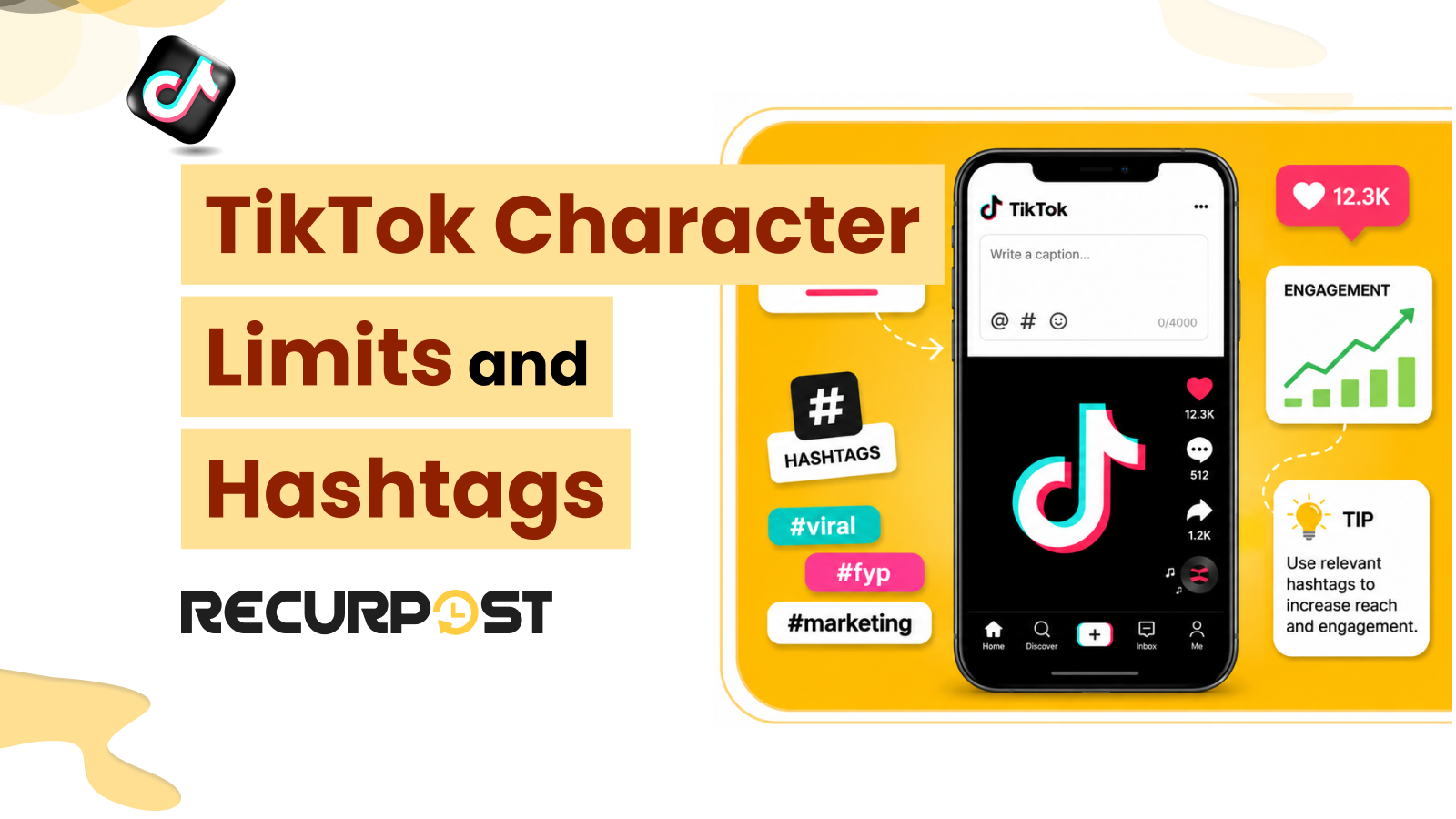
TikTok lets you write captions up to 4,000 characters in the app. However, schedulers that use the TikTok Content Posting API support captions up to 2,200 characters. This difference can create problems for agencies that prepare long, keyword-rich captions and then find that a scheduler cannot publish the full text.
RecurPost publishes TikTok posts through the TikTok Content Posting API. Therefore, 2,200 characters is the working caption limit. RecurPost counts characters as you type, flags captions that exceed the limit before publishing, and saves hashtag sets for reuse. Besides, the RecurPost TikTok scheduler stages the captions for each client account.
A photo post is the exception. A TikTok photo carousel carries a separate title field capped at 90 characters in addition to the caption, while a video post has no title box at all. RecurPost publishes both formats, so a carousel gets a title written for it instead of borrowing the caption’s opening line.
This guide covers TikTok character limits for caption, hashtag, bio, username, and display name limits. It also explains how RecurPost helps you keep scheduled captions within the API cap limit. However, TikTok video sizes and posting times are outside the scope of this guide.
TikTok Character Limits at a Glance
| Element | Limit | Notes and RecurPost context |
|---|---|---|
| Caption (via scheduler / API) | 2,200 characters | TikTok Content Posting API cap (UTF-16 runes). RecurPost publishes through this API, so 2,200 is the working limit. |
| Caption (native app) | 4,000 characters | In-app limit since 2023. Not available to third-party schedulers. |
| Hashtags | Count inside the caption limit | TikTok counts only the first five hashtags in a caption. 3-5 focused tags is workflow guidance, not a platform limit. |
| Mentions and emoji | Count inside the caption limit | @mentions and emoji consume caption characters. |
| Bio | 80 characters (long-standing) | TikTok is rolling out longer bios to some accounts and publishes no single figure; check the counter under Edit profile. |
| Username | 24 characters | Letters, numbers, underscores, and periods; no spaces. |
| Display name | 30 characters | Spaces allowed. |
Each limit is explained below with the TikTok value, how RecurPost handles it, the fit and non-fit conditions, and an agency use case.
TikTok Caption Limit: 2,200 Characters through a Scheduler, 4,000 in the App
TikTok allows captions up to 2,200 characters when you publish through a scheduler and up to 4,000 characters when you type directly in the app. The TikTok Content Posting API sets the 2,200-character limit. The third-party scheduling tools use this. As a workflow habit, put the main hook in the opening line.
RecurPost publishes TikTok posts through the TikTok Content Posting API. Therefore, 2,200 characters is the working caption limit in the composer. RecurPost tracks the character count as you type, and notifies you when a caption exceeds the limit. Besides, RecurPost documents 850+ platform errors, so a failed post can be fixed and retried from the History view.
Fit: A concise, hook-first caption that stays under the 2,200-character limit.
Non-fit: A 4,000-character caption copied from the TikTok app into a scheduler, which exceeds the 2,200-character API cap, so trim it before scheduling.
Real-world scenario: An agency creates a keyword-focused caption for a client and places the hook in the opening line. It confirms the caption stays within the 2,200-character limit in RecurPost before scheduling.
How Hashtags, Mentions, and Emojis Spend Your Caption Characters
TikTok counts hashtags, @mentions, and emojis toward the 2,200-character caption limit. Every hashtag uses part of that budget, so a large hashtag set can reduce the space available for your main message.
RecurPost adds hashtags within the same composer and stores reusable hashtag groups through “Bags of Tags”. This setup lets you apply a saved hashtag set without retyping it for every post while helping you stay within the caption limit.
Fit: A short, relevant hashtag set that supports the caption and stays within the character limit.
Non-fit: A large hashtag stack that uses hundreds of characters and leaves less space for the main message.
Real-world scenario: An agency saves a five-hashtag set for a client niche and reuses it across a week of TikTok posts. The team schedules the posts in RecurPost while keeping each caption within the character limit.
How Many Hashtags to Use on TikTok

Use 3 to 5 focused hashtags per caption. TikTok counts only the first five hashtags in a caption, so tags after the fifth do not count as hashtags. The 3 to 5 range is workflow guidance, not a platform limit, and every hashtag uses part of the caption limit.
RecurPost has a TikTok hashtag generator that suggests relevant hashtags. RecurPost also includes Bags of Tags, which lets you save and reuse hashtag groups across client accounts.
Fit: 3 to 5 niche-specific hashtags that match the post topic.
Non-fit: Generic, high-volume hashtags that place the post in a crowded feed.
For example, a freelancer generates and saves a niche hashtag set in RecurPost and then reuses it across multiple client accounts.
TikTok Profile Text Limits: Bio, Username, and Display Name
Optimizing your TikTok profile requires staying within specific character limits. Your bio has historically allowed 80 characters, which counts spaces and emojis. TikTok is rolling out longer bios to some accounts and publishes no single figure, so check the counter under Edit profile. Your unique username is capped at 24 characters and restricted to letters, numbers, underscores, and periods. Meanwhile, your display name gives you more freedom with a 30-character limit that fully supports spaces and special symbols.
Because the bio limit can differ by account, confirm the limit shown in the app before updating the profile text. RecurPost includes AI bio and username generators that help agencies create profile text that fits within the character limit.
Fit: A short bio with one clear call to action or link.
Non-fit: A bio written for a longer limit before confirming that the account has it.
Real-world scenario: An agency creates a client bio under 80 characters with a single call to action and drafts it in RecurPost before updating the profile.
How RecurPost handles TikTok Captions and Hashtags
RecurPost checks a TikTok caption before TikTok ever sees it. RecurPost counts characters against the 2,200 API limit and saves reusable hashtag sets with Bags of Tags. It also generates platform-specific captions with AI. RecurPost also includes the settings needed for TikTok publishing. These settings include:
- Privacy status
- Comment permissions
- Duet and stitch controls
- Branded content disclosure options
| The caption problem | What it costs on TikTok | What RecurPost does about it |
|---|---|---|
| A caption over 2,200 characters | The post cannot go out as written | Count characters live and flag the overflow before you schedule |
| A 4,000-character app caption pasted in | The scheduler cannot send it | Shows the 2,200 cap in the composer, so you trim first |
| A long hashtag stack | Eats caption space | Stores a tight 3-5 tag set with Bags of Tags |
| A wrong control was left on by default | An off-brand or non-compliant post | Sets privacy, comments, duet, stitch, and disclosure per post |
Fit: Agencies that create TikTok captions and hashtag sets for multiple client accounts.
Non-fit: A personal account that publishes an occasional TikTok post manually.
Real-world scenario: An agency schedules a week of TikTok posts for 20 client accounts in RecurPost. RecurPost flags one caption that exceeds the character limit before it reaches TikTok. This helps the team fix the issue before publishing.
RecurPost keeps the TikTok caption count visible while you write. This enables you to know when a caption approaches the 2,200-character limit before publishing.
TikTok Character Limits and Hashtags FAQs
1. What is the TikTok caption character limit?
The TikTok caption limit is 2,200 characters when you publish through a scheduler that uses the TikTok Content Posting API. TikTok allows up to 4,000 characters when you create the caption directly in the app. The character count includes hashtags, @mentions, and emojis.
2. How many hashtags should you use on TikTok?
Use 3 to 5 focused and relevant hashtags. TikTok counts only the first five hashtags in a caption, and the 3 to 5 range is workflow guidance rather than a platform limit. Hashtags also count toward the caption limit, so a smaller set leaves more room for your main message.
3. Do hashtags count toward the TikTok caption limit?
Yes, hashtags count toward the TikTok caption limit. TikTok also counts @mentions and emojis, so a large hashtag set leaves fewer characters available for the rest of the caption.
4. What is the TikTok bio character limit?
The TikTok bio limit has historically been 80 characters. TikTok is rolling out longer bios to some accounts and publishes no single figure, so check the counter under Edit profile before writing or updating the bio.
5. What are the TikTok username and display name limits?
A TikTok username can contain up to 24 characters, while a TikTok display name can contain up to 30 characters. Usernames can include letters, numbers, underscores, and periods, but they cannot contain spaces. However, display names can include spaces.
6. Why does my scheduler cut TikTok captions at 2,200 when the app allows 4,000?
Schedulers publish TikTok posts through the TikTok Content Posting API, which limits captions to 2,200 characters. The 4,000-character caption limit applies only to captions created directly in the TikTok app.
Schedule TikTok posts with RecurPost
RecurPost’s Agency plan is $79 per month and includes 20 social accounts and 3 users; additional teammates are $20 each per month. RecurPost also checks every TikTok caption against the 2,200-character limit before publishing.
The RecurPost free trial includes –
- TikTok scheduling,
- a caption counter,
- a hashtag generator,
- Bags of Tags,
- AI caption generation, and
Plus, the free trial also includes TikTok publishing settings for privacy, comments, duet, stitch, and branded content disclosure.
This allows agencies to schedule real client posts and test these features before upgrading.
You can see the plans and pricing page for all plans and add-ons, or start a free trial with the RecurPost TikTok scheduler.