

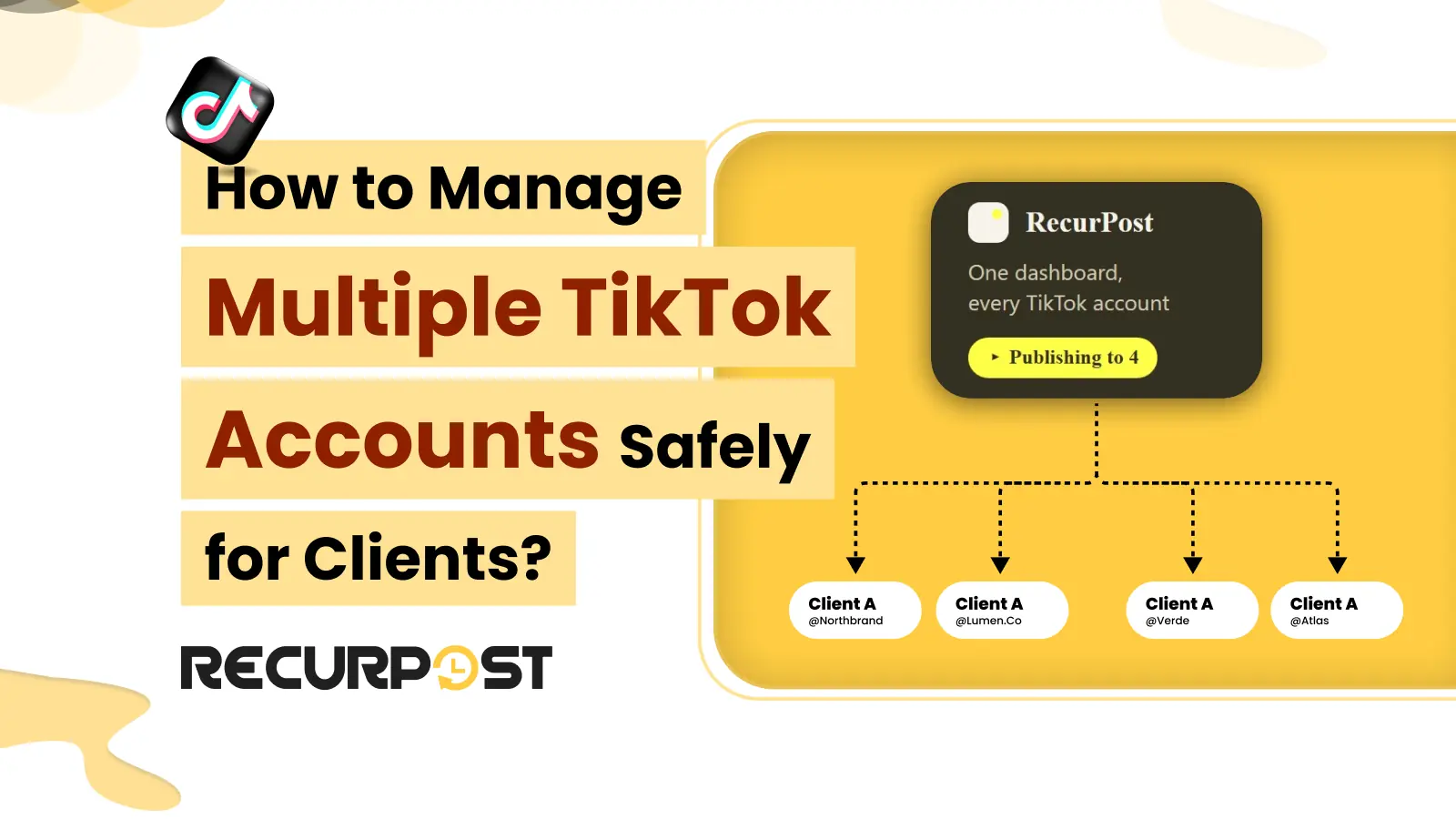
Managing several TikTok accounts is routine for agencies with more than one client. Three different things get mixed up in this topic, and most of the confusion comes from treating them as one:
- TikTok accounts you or your business may operate. How many accounts one person or brand can hold under TikTok’s terms and Community Guidelines.
- Accounts signed in on one device. A limit in the TikTok app’s account switcher, set by TikTok.
- TikTok profiles connected to RecurPost. Authorizations that let RecurPost publish to and report on an account. These count against your RecurPost plan, not against a device.
This guide covers each in that order, then where the RecurPost TikTok scheduler fits and where it does not. It names no device-limit figure, because TikTok sets that limit inside the app and can change it.
Account Types and Permissions: Can You Run Multiple TikTok Accounts?

Yes. TikTok lets one person or business hold more than one account, and one account per client or brand is the normal agency setup. It keeps each client’s content, audience and analytics separate. An agency with 12 clients has 12 TikTok accounts, and no different rules apply to running 12 instead of one.
What TikTok restricts is behavior, not the account count. Its Community Guidelines cover spam and inauthentic behavior, such as fake engagement and accounts built to game reach. Posting different content for different clients from separate accounts is ordinary use. Cloning an account to repost the same video everywhere is the opposite, and the risky-behavior section below covers it.
Ownership matters as much as the count. The client should own each account and its login. Your agency operates the account with the client’s permission, and when the contract ends the client keeps the account, its followers and its history while you disconnect.
Device and Login Constraints: How Many TikTok Accounts Fit on One Device?
TikTok’s app has a built-in account switcher for signing in to several accounts on one device. TikTok sets how many it allows and can change that number, so check the Switch account screen in your own app instead of relying on a figure from a blog post, including this one.
For a freelancer with a couple of personal or brand accounts, the switcher is usually enough. It stops working as a process once you have a client roster. Every post means switching accounts by hand on the phone or laptop that holds the logins, and every login on that device is a password someone on your team has to hold. A scheduler avoids both: posting happens through an authorization from the account owner, not through a device login.
Client Separation: How Agencies Keep TikTok Accounts Apart
Give each client their own TikTok account, owned by the client and signed in with a login the client controls. Do not reuse one login across clients, and do not put a whole team on one shared login. This is an operating risk, not a TikTok penalty rule: a shared password has no per-person audit trail and has to be handed to everyone who posts.
Keep the same separation inside your scheduler. On the Agency plan, create one workspace per client with its own accounts, members and reports, so a post for one client cannot land on another client’s account.
Connecting TikTok Profiles to RecurPost by Invite Link
RecurPost publishes to TikTok through TikTok’s official API. On the Agency plan, use “Add a social profile by link” to send the client an invite by email or link. The client signs in to their own TikTok, authorizes the connection, and the account appears in the workspace you created for them. No password changes hands, and your agency never stores one.
The invite link is an Agency feature. On other plans, whoever connects the account signs in to TikTok themselves to authorize it.
Before each video goes out, set TikTok’s controls in the composer: privacy level (Public, Friends or Only Me), whether comments, duets and stitches are allowed, and the Your brand and Branded content disclosure toggles. Each account carries its own settings for each post, so a strict brand and a playful one never share defaults.
Publishing and Analytics Across Multiple TikTok Accounts
Queue a week or a month of posts per client from one calendar. For large batches, bulk scheduling loads posts from a CSV or Excel file; the bulk scheduling guide lists the fields each platform needs. When a post fails, RecurPost shows the reason, drawing on 850+ documented platform errors, and you retry the post from the History view.
Reporting is per account. RecurPost builds a TikTok profile report with views, engagements, engagement rate, likes, comments, shares, follower and following counts, and top videos. The PDF export carries your agency’s logo instead of RecurPost’s, so a monthly client report does not need a manual rebuild.
Prohibited and Risky Behavior With Multiple TikTok Accounts
These are the conditions TikTok’s Community Guidelines address, and they apply to any number of accounts:
- The same video from many accounts. Near-duplicate accounts reposting one identical clip to game reach is spam. Give each client their own content.
- Fake engagement. Buying or trading likes, follows and views, or using your own accounts to boost each other.
- Misleading accounts. Accounts that pretend to be another person or brand.
Separately, some habits make multi-account work harder to run: shared logins, client passwords kept in a spreadsheet, and signing in and out of accounts all day. They raise the chance of lockouts, wrong-account posts and leaked credentials, which is why the invite link exists. TikTok does not publish how it links accounts, so this guide does not claim that any setup, including a scheduler, prevents a restriction.
Is RecurPost the Right Fit for Multiple TikTok Accounts?
It fits when you publish to client-owned TikTok accounts and want onboarding by link instead of passwords (Agency plan), when per-post settings and branded-content flags must be right on every video, or when each account needs its own monthly report.
It does not fit when you only switch between one or two accounts of your own and the built-in switcher already covers it; when you want to read TikTok comments or DMs inside RecurPost, because TikTok gives scheduling tools no inbox API; when you want drafts pushed into the TikTok app to finish there, because RecurPost publishes directly; or when the plan is to post identical clips from many cloned accounts, which breaks the Community Guidelines.
To plan profile volume: an agency with 12 clients and one TikTok account each uses 12 of the 20 social accounts on the Agency plan ($79/month, 3 users). Extra accounts are $4 each and extra teammates are $20 each, and every TikTok account counts as one account. See plans and pricing for every add-on with its unit price.
If that matches your roster, start a free 14-day trial of RecurPost with no credit card and connect your first client account.
Multiple TikTok Accounts for Clients FAQs
1. Can you have more than one TikTok account?
Yes. TikTok lets one person or business hold more than one account, as long as each account follows the Community Guidelines. Agencies routinely run one account per client.
2. How many TikTok accounts can you have on one device?
TikTok sets that limit in the app’s account switcher and can change it, so check the Switch account screen in your own app. This guide names no number. For a client roster, connecting accounts to a scheduler means you do not depend on the device limit.
3. Is it against the rules to run multiple TikTok accounts?
Not by itself. TikTok’s Community Guidelines address spam and inauthentic behavior, such as near-duplicate accounts reposting the same video to game reach, fake engagement, and accounts that pretend to be someone else.
4. How do agencies keep client TikTok accounts separate?
Each client owns their own account and login. Inside RecurPost, the Agency plan gives each client a workspace with its own accounts, members and reports.
5. Can you manage multiple TikTok accounts without sharing passwords?
Yes, on the Agency plan. RecurPost sends the client an invite by email or link, and the client signs in to their own TikTok and authorizes the connection, so the agency never receives a password. On other plans, whoever connects the account signs in to TikTok themselves.
6. What is the best way to schedule posts across multiple TikTok accounts?
Use one calendar that publishes to each connected account. RecurPost queues posts per client, supports bulk scheduling from a CSV or Excel file, and sets TikTok’s privacy, comment, duet and stitch controls per video. A failed post shows its reason and can be retried from the History view.